
Contractors & Builders
Contractor websites built to show the work and land the call.
A contractor's website has an easier job than most: show the work, make the phone ring. But "show the work" in a way that actually closes a homeowner means high-quality photos loading fast on a beat-up iPhone in a cell-signal-dead basement — not a gallery template that takes nine seconds to paint. We've built sites for construction clients for years, and the projects that perform well all share the same boring traits.
What good contractor sites have in common
The pattern that works, over and over: big hero photo of your best project, short subhead naming the service and service area, a gallery organized by project type (new builds vs. remodels vs. decks/docks, for example), a "what we do" page that doesn't try to be cute, an "about" page with real faces and a real story, and a contact page with a form that asks for the five fields you actually need — not twelve.
The pattern that doesn't work: stock photos, generic hero copy ("Quality you can trust since..."), no portfolio, a contact form that asks for the homeowner's annual household income before the first phone call. We see that on contractor sites constantly, and it costs the owner jobs.
Mobile-first is the floor, not a bonus
Every contractor site we've ever built gets most of its traffic from phones. Homeowners research contractors at red lights, in waiting rooms, in bed at 11 p.m. If your site takes five seconds to paint, a third of them are gone before the header loads. If your photo gallery can't swipe on a touch screen, the rest leave when they try to see your work.
We build every contractor site mobile-first and run it through Google PageSpeed before handoff. Most come in north of 90 on mobile out of the gate. That's not bragging — that's the floor.
Lead capture that actually captures leads
A contractor's contact form should ask for exactly what you need to scope an estimate — name, phone, address, project type, a sentence about the scope — and nothing else. Every extra required field drops your conversion rate. Emails land in your inbox the moment the form is submitted, routed to whoever reads them. If you want a lightweight CRM layer, we can add it; if you want raw email delivery because that's what your shop actually uses, we can do that instead. Your call, not ours.
Recent work
Live sites we've built lately
A sample from the portfolio. Every one of these is a site we designed, built, or are actively maintaining today.
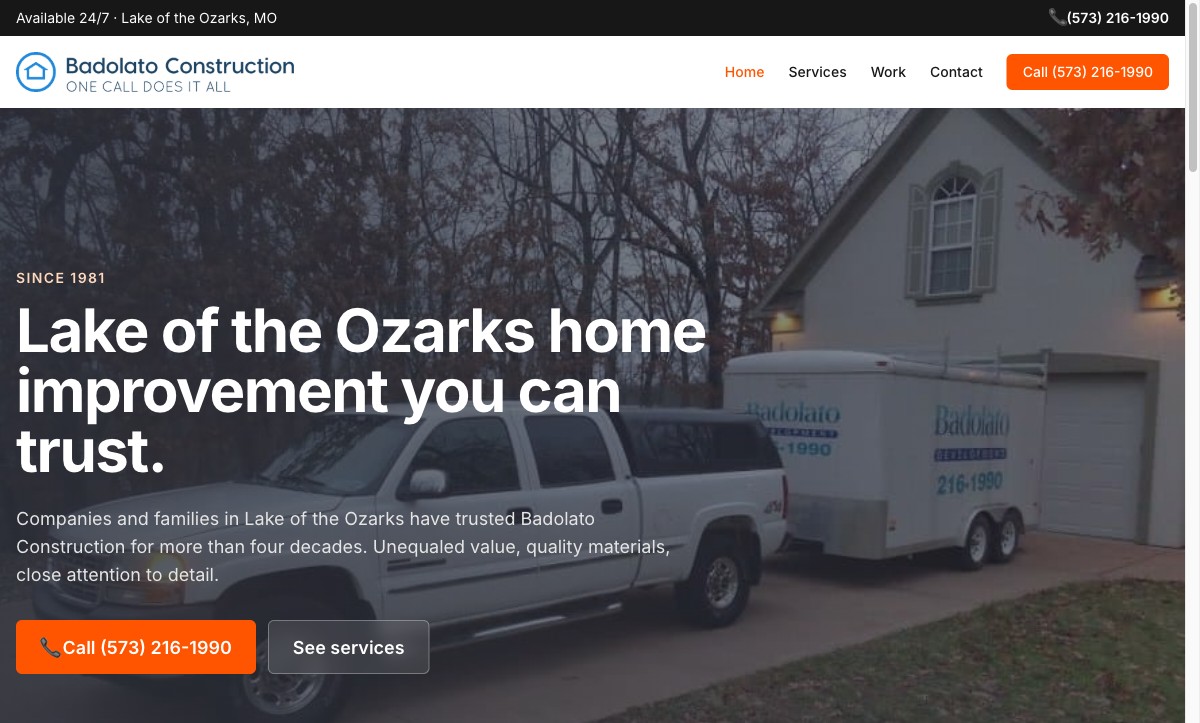
Badolato Construction ↗
Family-run builder. Tailwind static site, portfolio-by-project-type, mobile-first performance budget.

King Construction ↗
General contractor site. Clear service-line pages, estimate-request forms routed directly to the owner.
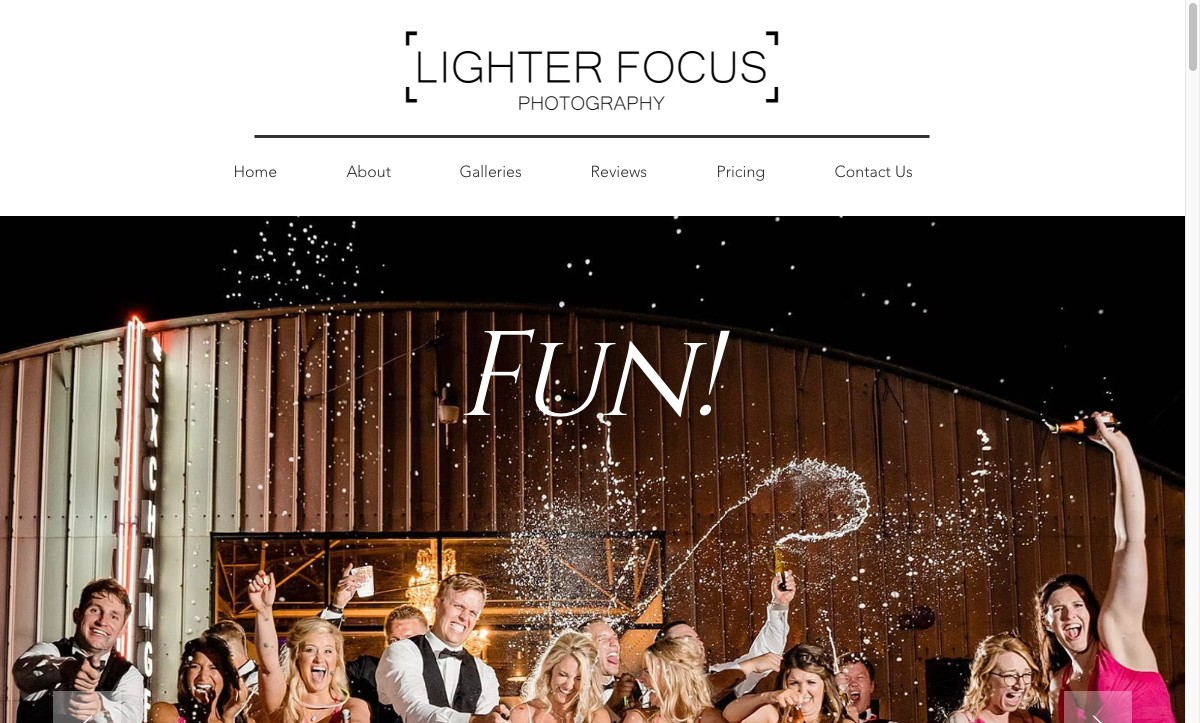
Lighter Focus Photography ↗
Photographer portfolio. Fast, gallery-heavy, designed so the work does the talking and the booking form is one tap away.
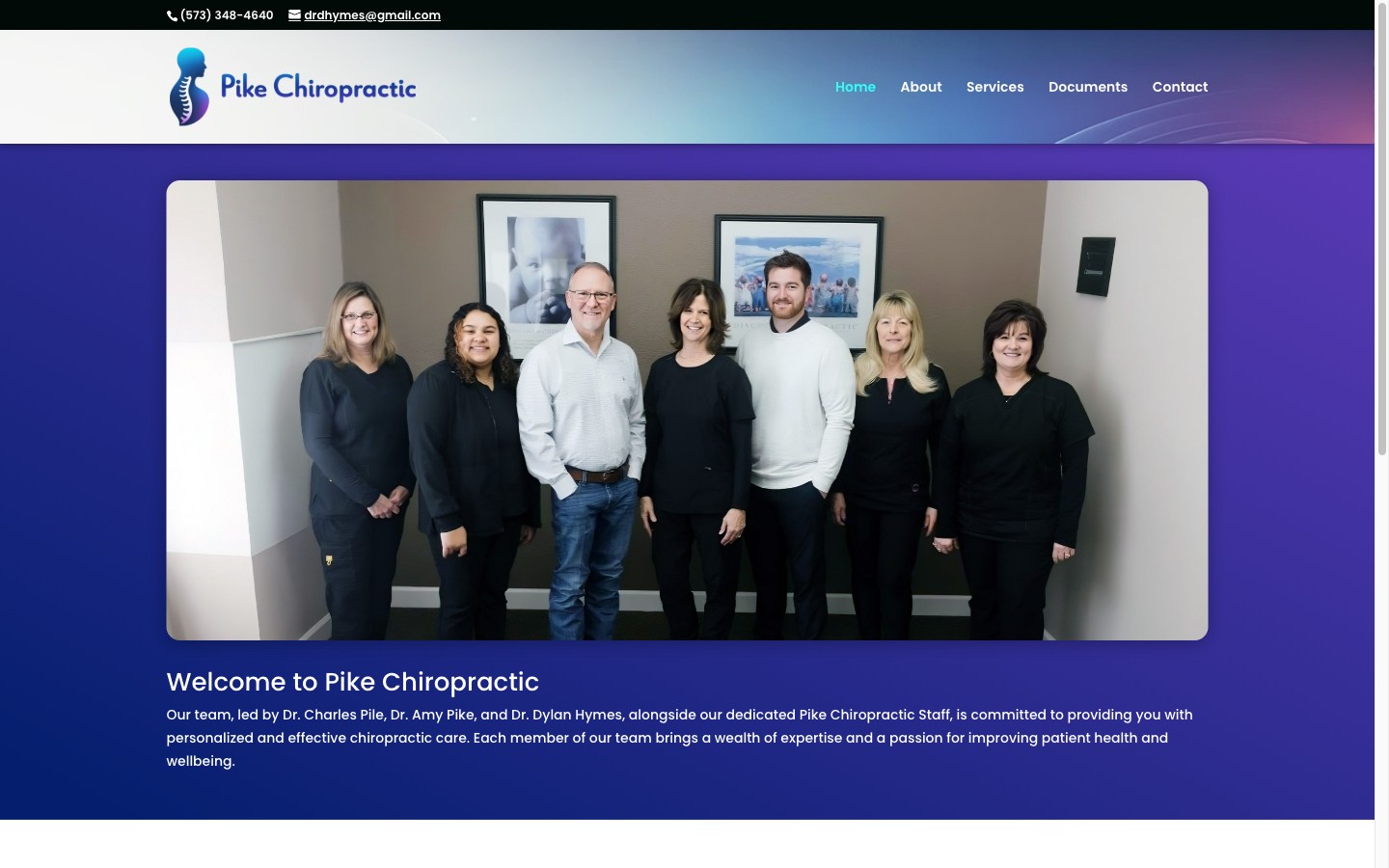
Pike Chiropractic ↗
Professional-practice site, a long-running client since 2008. Patient-education library and booking flow.
FAQ
Common questions
Do I need a photographer before we start?
Good photos help, but we can launch with what you have and upgrade later. iPhone photos from recent jobsites, if they're well-lit and horizontal, are often good enough to start. Once the site is live and you see which projects are driving the most leads, it's worth hiring a photographer for those specific job types.
Should my site include a pricing page?
For most contractors, no. Pricing pages on construction sites usually kill leads because no honest per-hour or per-square-foot number can cover the variance in real jobs. The site communicates the quality tier and service area; the estimate gets built after a conversation.
Can I update the portfolio myself?
Yes. We build portfolios in WordPress so you (or your office manager) can add a new project by uploading photos and writing a couple of sentences — no developer needed. We walk you through it after launch.
Do you work with trades — plumbing, electrical, HVAC?
Yes. The principles are the same: show the work, make the phone easy to call, don't try to be a brochure. Trades sites sometimes lean more on service-area pages (by town or ZIP) because the customer is searching locally.
Ready to talk?
Tell us what you're thinking.
We quote every project as a flat fee in writing once we understand the scope. Drop us a note or give us a call — we'll get back within one business day.